Picture Embroidery | Multi-Position Hooping

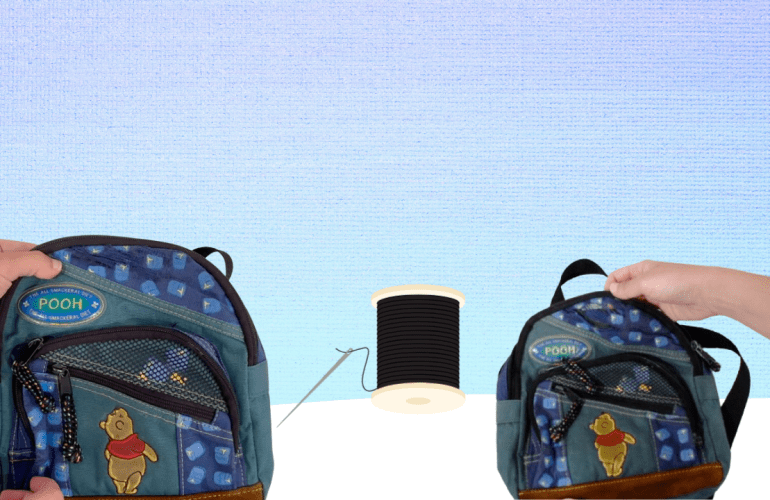
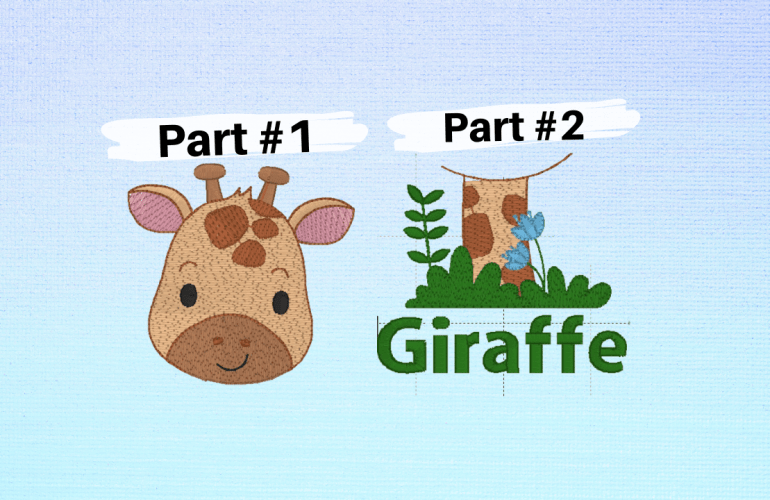
While it is possible to do multi-position hooping manually with free software, when it comes to picture files it is not. Being able to split up graphics in embroidery is a game changer. For instance, some creators simply do not design 4X4 hoop designs, so being able to use a 5X7 design opens up new file options. Also, some files that say they are 4” but are too large for an actually 4X4 hoop can be used with multi-hooping.

Enlarge your Embroidery Machine Field | Multi-Position Hooping

Feeling like you’ve picked the wrong embroidery machine and contemplating purchasing a new one? Before paying out hundreds of dollars if not thousands on a new machine, try a multi-position hoop. Out growing a machine sucks but thankfully there are ways to hack the system to go beyond the hoop’s limitations. 

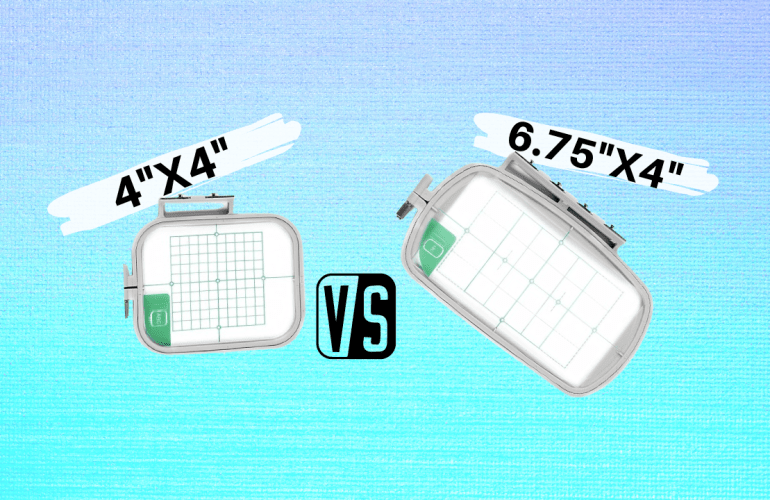
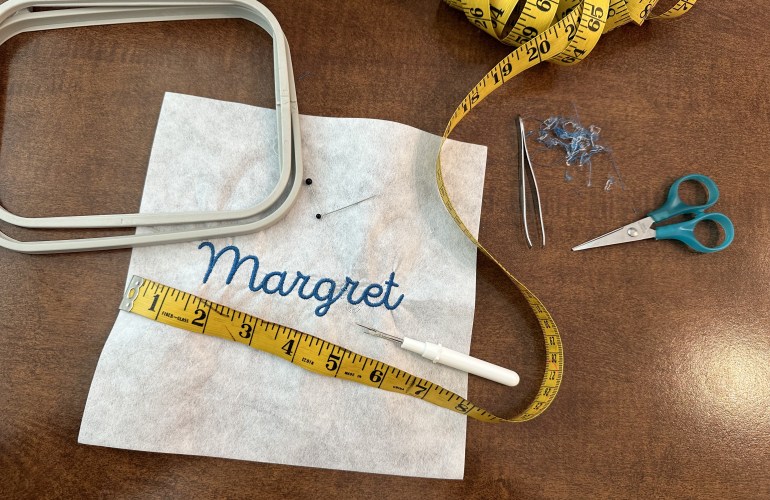
Although using a multi-position hoop is not 100% free, it is a whole lot cheaper than a new machine. There are two things required for multi-position embroidery, software and a specific hoop. The software I chose is called Embrilliance Essentials, which cost $149.95. Multi-position hoops can be found on Amazon in sets or singles for around $15.99. These hoops have four notches rather than the standard two. 

Larger than Hoop Embroidery | Multi- Hooping Free

While it may seem like you need a larger hoop to accomplish certain creative projects try this multi hooping hack first. This is a free solution when you want to escape the boundaries of your machine’s hoop size. The machine I use is the Brother PE550d which has a 4X4 hoop, so trust me I know the struggle. 

Custom Wedding Invitations DIY

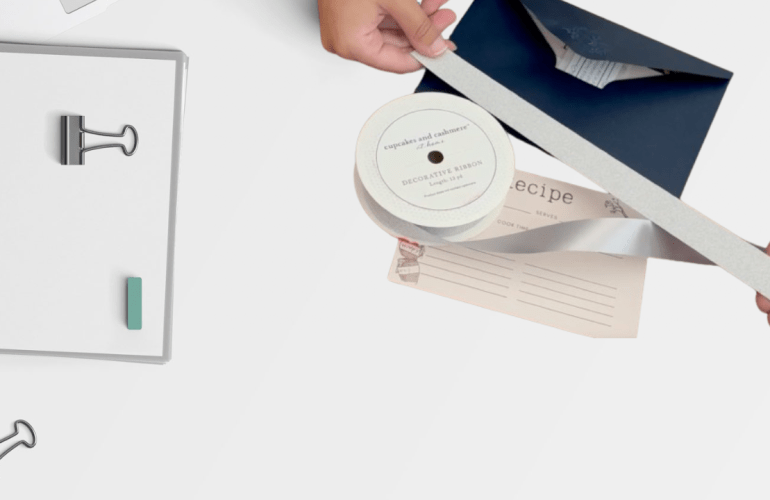
While it may seem daunting to create your own wedding invitations from scratch, the process was actually pretty fun. The ordering process as mentioned in a previous post was the most stressful thing because not many places allow you to upload invitations to be printed. My recommendation would be to use a local shop and save yourself the headache or use Shutterfly. Prior to ordering anything create a template mock up of all the elements of the invitation. For ours, the elements included the base invite, a recipe card, rsvp card, a belly band, glitter ribbon and a sticker. When using multiple pieces it is sometimes hard to envision the full look so make sure not to skip this step. I ended up changing dimensions after creating a mock up since the ones online ended up looking funky when put together. 

Vista Print Review | Wedding Invitations

On September 19th, I was finally ready to submit my order for my invitations. At this point I was already aware that Vista Print was a lot cheaper than Shutterfly which is why I decided to go with them. Plus the fact that their interface was a lot more user friendly when it comes to uploading your own designs. After I placed the order I received an order number and a confirmation email. 

Physical Wedding Freebie Samples

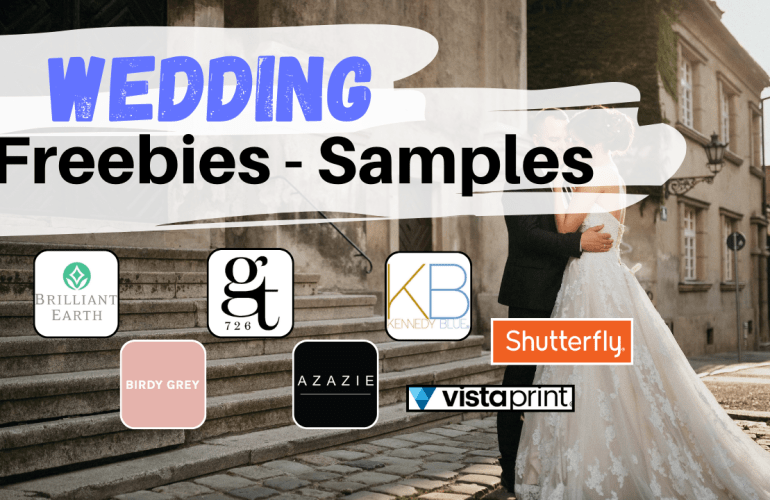
Prior to giving out any information to business for your wedding samples make sure you create a designated email address. The last thing you want is to have your primary email clogged up with a bunch of ads and solicitations. At this point in planning I am getting emails from businesses I never reached out to so do not skip this step thinking it won’t happen to you. All the companies listed below are ones that I reached out to for samples: none of them require you to pay for shipping either. There are companies that will advertise “free samples” and require you to pay to ship them so tread cautiously. 

The Wedding Planning Series: Pet Peeves

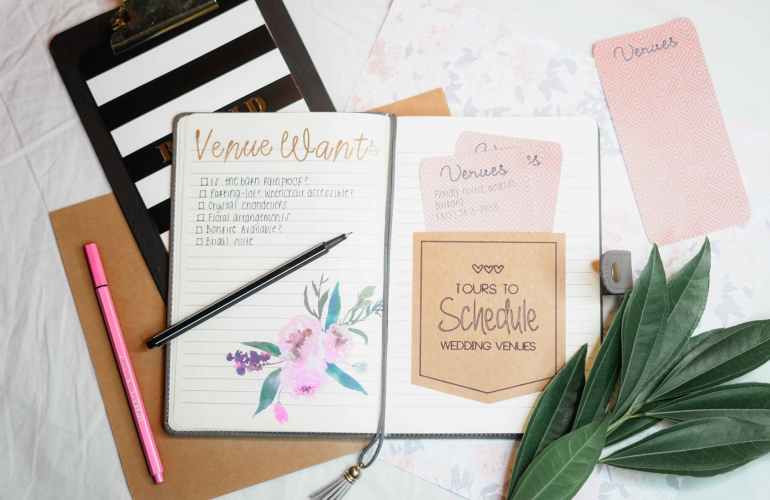
Why is it so popular to get married on a green lawn in the scorching summer heat? I will never understand. While I do enjoy a nice wooded area it is astonishing to me the prices people pay to rent a yard. I’ve seen brides with grass stained and muddy dress trains which is baffling with how expensive they are. Do you envision a fully indoor wedding or an outdoor wedding? Searching for venues can be frustrating and overwhelming, so before starting your search make a list of non-negotiable items. Even if some seem like a basic request, always ask, never assume. For instance, parking may seem like a simple request but some venues will expect guests to use a parking garage several blocks away or fight for street/neighborhood parking. 

How to Change a Bobbin Mid-Project | Brother PE 550d

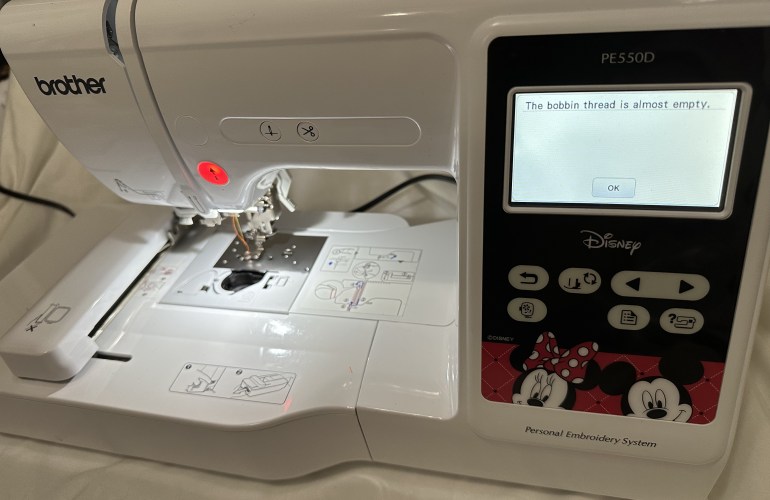
Since an embroidery machine uses hundreds to thousands of stitches per project it is only a matter of time before you experience the dreaded bobbin change alert mid-project. While this may seem like a headache, the machine makes it really easy to accomplish a seamless look even when this occurs. The machine will pause itself and alert the user that the bobbin thread is almost empty. At this point there are two options, to ignore or listen to the warning.

Bulk Embroidery Tips & Tricks | Brother PE550d

When I first purchased my machine I always hoped to one day fulfill orders, never did I think of doing bulk orders though. While I am still a new seller I have done a few bulk orders and learned a lot along the way on tips and tricks to ease the process. Creating an assembly line or doing one step for all items is usually the first tip that comes to mind when working in bulk. I do not do this with embroidery that is customized with the exception of when I create name designs with the computer software and when Tender Touching, I will do those all at the same time. Working while the machine is also working is a good hack as it is like two people working at once: you can trim jump stitches on one sweater while the next sweater is being stitched out for instance. 

Convert a PNG to an SVG & Make an Easy Peel Sticker with the Cricut

How to: Convert a PNG to an SVG

Although SVG files are a bit daunting at first, they do make the designing process easier. The main benefit of using a SVG over a PNG is that you can alter the colors of the image in design space. While several programs and classes are on the market today to learn how to create an SVG file there is also a free resource out there www.pngtosvg.com. No downloading software or paying for classes: this site instantly creates the SVG for you. That being said it is not a perfect program so the image may need to be tweaked like mine in the tutorial below once it is uploaded into design space.