
How to: Fix Self Threader on Embroidery Machine
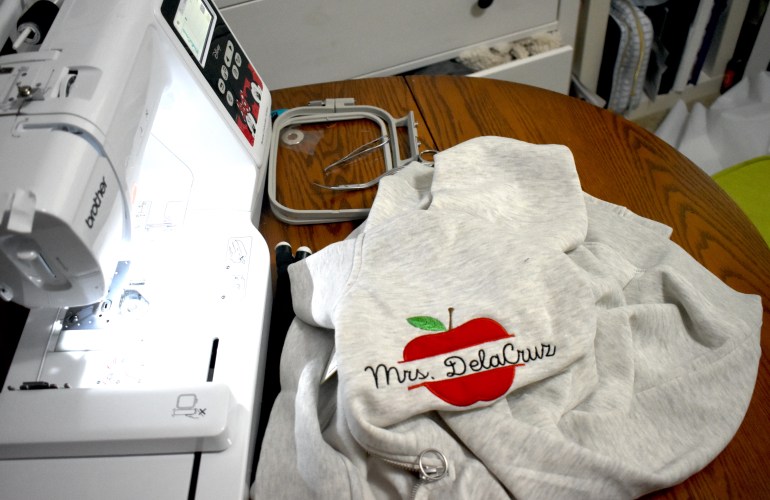
While posting videos about my embroidery machine a couple of people have asked how to fix the self thread feature. At the time I did not know how to help as I had never experienced an issue with the self threader on my embroidery machine. Fast forward a couple of months, now the self threader on my machine stopped working. Sometimes it would work and sometimes it wouldn’t. Once the self threader stopped working consistently, I decided to try to diagnose what was wrong. 

Bulk Embroidery Tips & Tricks | Brother PE550d

When I first purchased my machine I always hoped to one day fulfill orders, never did I think of doing bulk orders though. While I am still a new seller I have done a few bulk orders and learned a lot along the way on tips and tricks to ease the process. Creating an assembly line or doing one step for all items is usually the first tip that comes to mind when working in bulk. I do not do this with embroidery that is customized with the exception of when I create name designs with the computer software and when Tender Touching, I will do those all at the same time. Working while the machine is also working is a good hack as it is like two people working at once: you can trim jump stitches on one sweater while the next sweater is being stitched out for instance. 

Beginner Machine Embroidery Tutorials & Tips

A little over a year ago I unboxed my first embroidery machine and have been sharing my frustrations ever since. Don’t get me wrong, I LOVE my embroidery machine. I am simply stating that now I finally feel that I have somewhat mastered the machine. The first few times I used the machine I was nervous to do basically anything but now it’s more of an after thought / fun to create. 

Embroidery Applique Tips

While I have created an appliqué post before of my first time creating one I thought it was time to share what I have learned thus far to help those who are also learning embroidery. Appliqués can be intimidating so just like any other file the first tip is to test and take notes on the file. Notes can be  for referring to the color numbers used, if there is a trace layer and if there are steps you would prefer to skip to leave out a specific detail of the design. These will make the process run smoothly without ruining finished projects.

Free Embroidery Software + Free Fonts

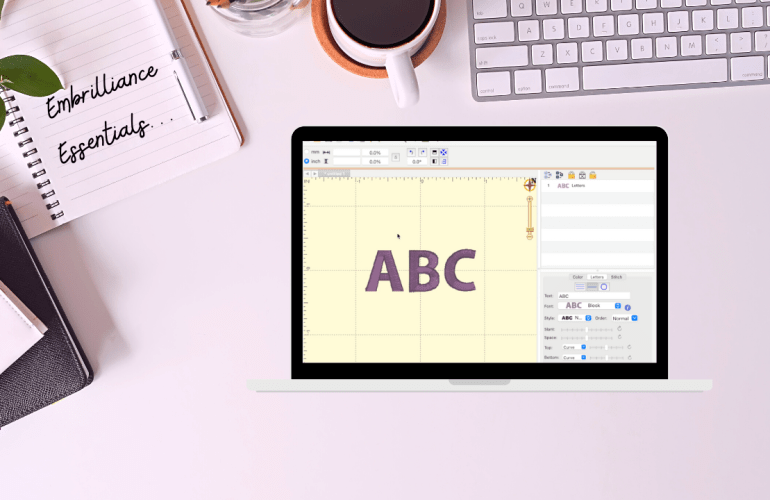
Learning how to use an embroidery machine is tricky enough so, let’s discuss some basics to make it easier to design with fonts. Softwares for embroidery are pricy but luckily there are some free options. Embrilliance’s free tier is called Essentials which allows you to add and edit fonts together. This means that all the designing is done on the computer rather than on that tiny screen of your machine. The program even allows you to add multiple font styles together to make it one step on the machine. Set a guide for your specific hoop size that will alert you if your design won’t fit. Simply design and then export it onto a USB just as you would with a design file. 

How to: Wind an Embroidery Bobbin Brother PE550d

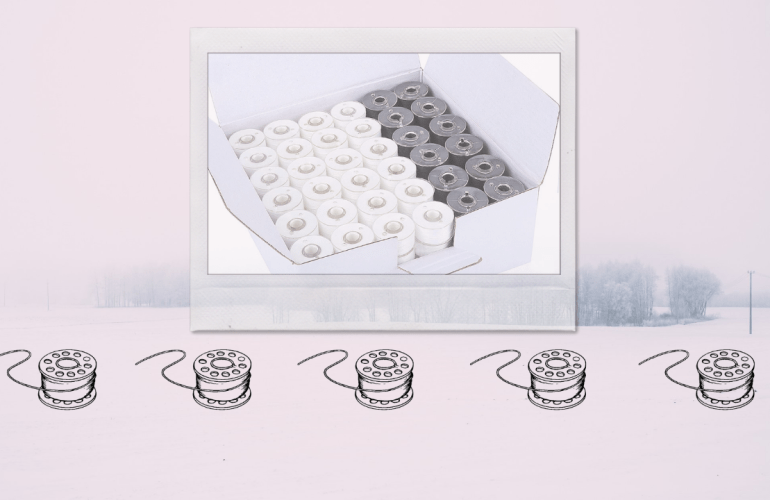
This tutorial was requested awhile ago however I have been procrastinating making it. In the tutorial you will see the raw footage of me winding my first bobbin on the PE550d. While I had created bobbins on my sewing machine I never really thought of it being any different, but it is a little. What I mean by that is there is a vital part that differentiates the average embroidery machine from a sewing machine, the foot pedal.  That being said it is relatively easy to do as the machine prompts you through the entire process, so do not let it intimidate you. 

Thread Wars: Sulky vs New Brothread

Starting a new hobby always adds up fast and embroidery is definitely not an exception which is why when I first ordered my machine I sought out a cheaper thread alternative. Popular thread brands add up way too fast but is it really something to skimp out on? Well today I finally decided it was time to do a THREAD WAR and purchase one of the most popular craft store threads for embroidery, Sulky, and see if it is worth the hefty price tag. 

Embroidery Files 101

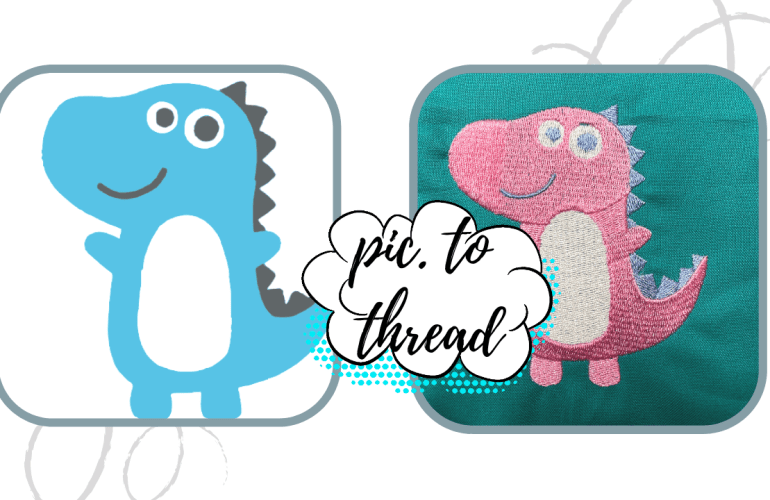
Prior to purchasing an embroidery machine for the first time I had little knowledge as to how it worked including the file capability side. All I kept reading is that it was a learning curve which is why I have been and will continue to update you all as I learn more about the machine embroidery world. Hopefully you are learning from my mistakes or basking in the humorous side of all my mistakes and frustrations, either way here we go again. 

Brother PE550D Embroidery Machine Tutorial

Interested or recently purchased the Brother PE550D embroidery machine? After purchasing the machine I did as most people do, went to Youtube to teach myself the basics. While yes, there were a few videos available they lacked the teaching aspect; it was more of watch me embroider this item kind of “tutorials”. I crave the basics whenever I try anything new which includes how to thread the machine and most importantly what the heck all the buttons do. Although anyone can read the instruction Manuel to gain this information some people like myself prefer to see it in action as well for a quick reference or simply for a visual. Also let’s be honest, not everyone reads the instruction booklets. 

Unboxing Brother PE550D + New Brothread

This one has been a long time coming and I could not be more excited to share this new journey with you all. Branching into a new form of art is always a learning curve so it is expected that it will come with mass frustrations alongside joy. First I want to address the mass inflation that has been happening in the crafting world, since people are still jumping onto the hands on art of creating, companies are fluctuating prices so make sure to do some research if you too are looking to start a new craft.