How to | Combine Layers or Colors in Embrilliance Embroidery Software
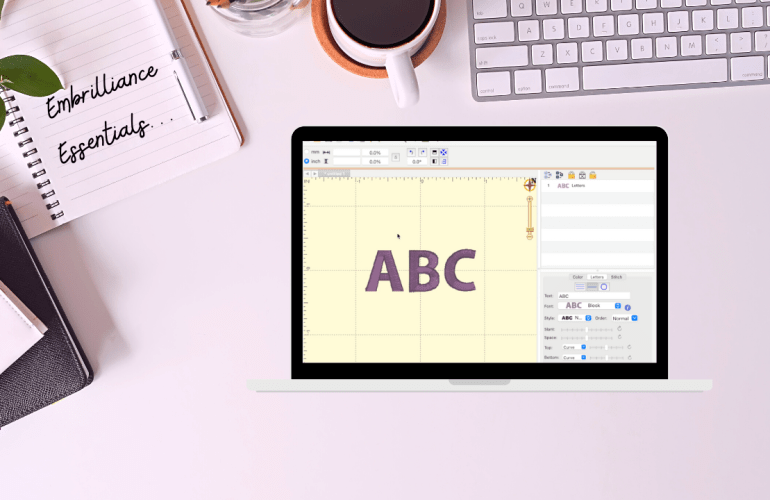
When using an embroidery file one thing among many I look for is how many times I have to change my thread. If you have a multi-needle machine this is not even on your radar but some of us are still struggling. One of the perks of Embrilliance essentials is being able to switch up the order of each color/ section of embroidery. 

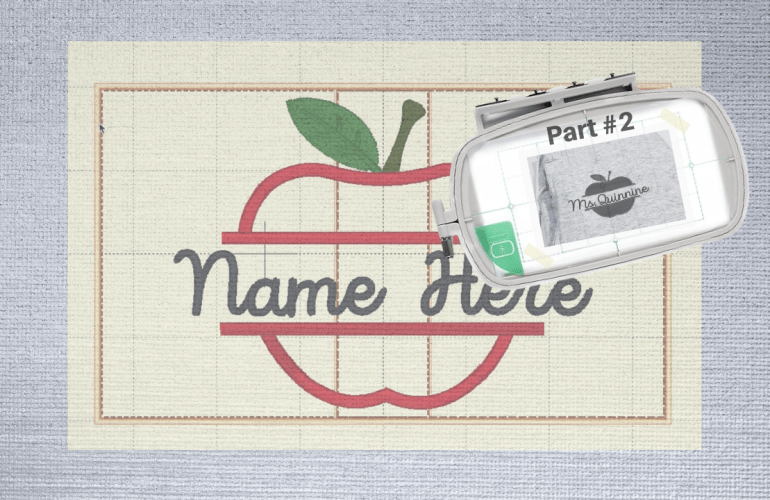
Using a Multi-Position Hoop for an Applique | Part #2

Previously, I went over how to create the file but now it is time to see if it will actually work. I am always curious as to how people embroider. Is everyone stitching out on finished garments or a single piece of fabric? In embroidery advertising I always see them stitch on a single piece of fabric especially for single needle machines. This seems so unrealistic to me unless you are only embroidering on garments you are in the process of sewing. Perhaps it is because embroidering on sweatshirts is a nuisance for everyone, unless you have the ability to use a magnetic hoop. If you are also struggling, I recommend the float method, hooping only the stabilizer, spraying basting spray on the garment and then placing it on top of the hoop. 

How to Change a Bobbin Mid-Project | Brother PE 550d

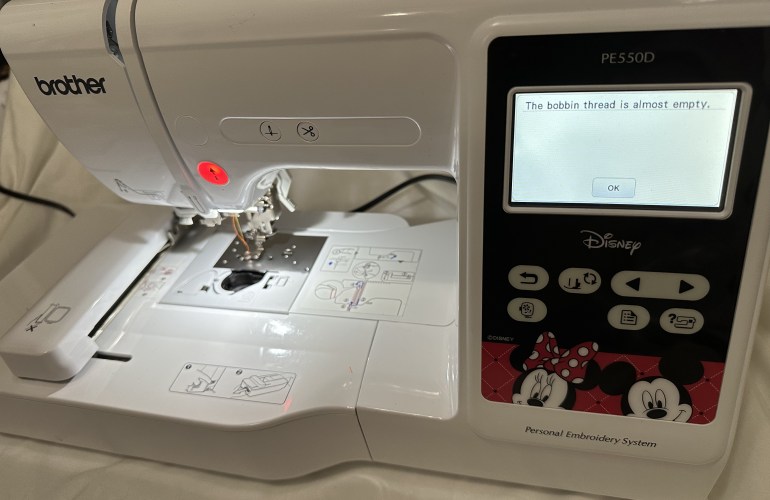
Since an embroidery machine uses hundreds to thousands of stitches per project it is only a matter of time before you experience the dreaded bobbin change alert mid-project. While this may seem like a headache, the machine makes it really easy to accomplish a seamless look even when this occurs. The machine will pause itself and alert the user that the bobbin thread is almost empty. At this point there are two options, to ignore or listen to the warning.

Beginner Machine Embroidery Tutorials & Tips

A little over a year ago I unboxed my first embroidery machine and have been sharing my frustrations ever since. Don’t get me wrong, I LOVE my embroidery machine. I am simply stating that now I finally feel that I have somewhat mastered the machine. The first few times I used the machine I was nervous to do basically anything but now it’s more of an after thought / fun to create. 

Embroidery Applique Tips

While I have created an appliqué post before of my first time creating one I thought it was time to share what I have learned thus far to help those who are also learning embroidery. Appliqués can be intimidating so just like any other file the first tip is to test and take notes on the file. Notes can be  for referring to the color numbers used, if there is a trace layer and if there are steps you would prefer to skip to leave out a specific detail of the design. These will make the process run smoothly without ruining finished projects.

Free Embroidery Software + Free Fonts

Learning how to use an embroidery machine is tricky enough so, let’s discuss some basics to make it easier to design with fonts. Softwares for embroidery are pricy but luckily there are some free options. Embrilliance’s free tier is called Essentials which allows you to add and edit fonts together. This means that all the designing is done on the computer rather than on that tiny screen of your machine. The program even allows you to add multiple font styles together to make it one step on the machine. Set a guide for your specific hoop size that will alert you if your design won’t fit. Simply design and then export it onto a USB just as you would with a design file. 

Digital Embroidery Files | Tips & Tricks

Although I would not say I am anywhere close to being an expert at embroidery, looking back I have learned A LOT. If you recently purchased a machine or are curiously researching machines, this next mini series is full of helpful information to get you started. Today’s focus is on digital embroidery files, which seems like an easy concept, however, there are things that can may catch you off guard if you are not careful. First realize that each machine has a set size limitation so depending on how large your embroidery field is depends on which files the machine is able to read successfully. 

How to: Wind an Embroidery Bobbin Brother PE550d

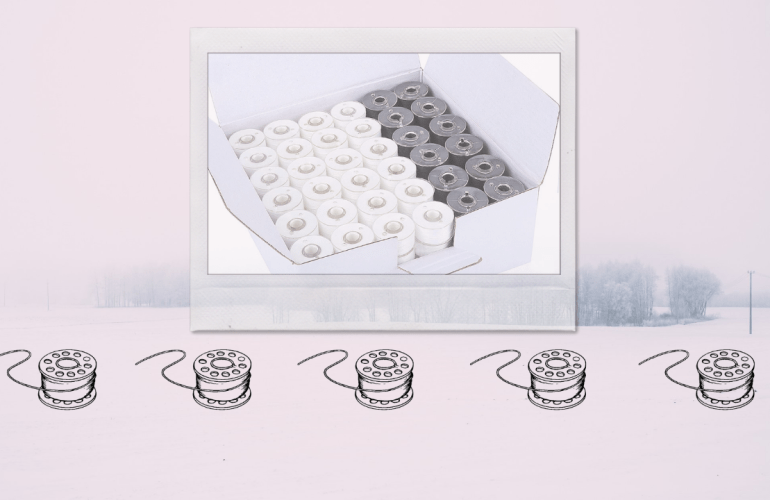
This tutorial was requested awhile ago however I have been procrastinating making it. In the tutorial you will see the raw footage of me winding my first bobbin on the PE550d. While I had created bobbins on my sewing machine I never really thought of it being any different, but it is a little. What I mean by that is there is a vital part that differentiates the average embroidery machine from a sewing machine, the foot pedal.  That being said it is relatively easy to do as the machine prompts you through the entire process, so do not let it intimidate you. 

Thread Wars: Sulky vs New Brothread

Starting a new hobby always adds up fast and embroidery is definitely not an exception which is why when I first ordered my machine I sought out a cheaper thread alternative. Popular thread brands add up way too fast but is it really something to skimp out on? Well today I finally decided it was time to do a THREAD WAR and purchase one of the most popular craft store threads for embroidery, Sulky, and see if it is worth the hefty price tag. 

Fix Bobbin Errors on Brother PE550d

Throughout my embroidery journey there has been many struggles, some I have shared others I have not, simply due to if I have found a solution or not. No, this is not a post ranting about the machine however, I must state that the customer service for Brother has not made a good impression thus far. When I first started having issues with my bobbin thread showing up on the top side I read the manual for quick fixes and then reached out to their service department with a photo and description of the issue. All I was given was links to their FAQ section. After three attempts to get a real solution I was then directed to find a service department to take the machine in to be properly looked at. FRUSTRATING.