How to | Combine Layers or Colors in Embrilliance Embroidery Software

When using an embroidery file one thing among many I look for is how many times I have to change my thread. If you have a multi-needle machine this is not even on your radar but some of us are still struggling. One of the perks of Embrilliance essentials is being able to switch up the order of each color/ section of embroidery. 

How to Move Files to an Embroidery Machine

Most embroidery machines have a USB port to be able to access files from outside of the base designs. There is no way to move an actual file to the machine itself. All files stay on the drive and are read from the drive itself. I would recommend dedicating a USB drive solely to your machine. Keep all the files organized so you are not constantly clicking through several pages searching for the new file you saved. 

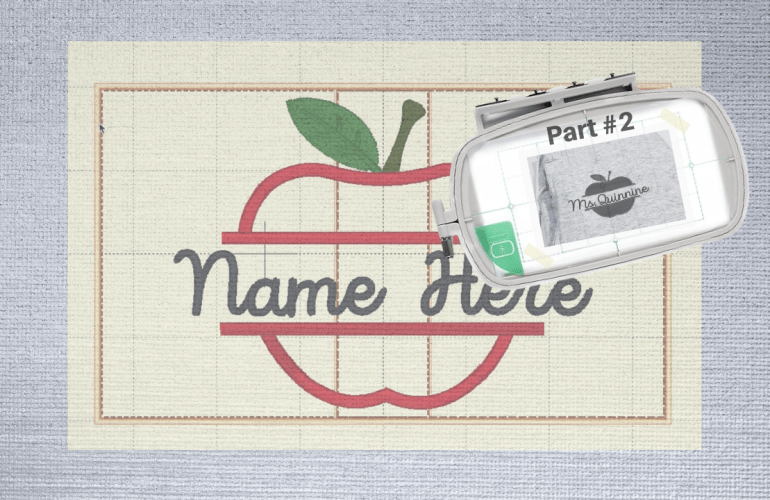
Using a Multi-Position Hoop for an Applique | Part #2

Previously, I went over how to create the file but now it is time to see if it will actually work. I am always curious as to how people embroider. Is everyone stitching out on finished garments or a single piece of fabric? In embroidery advertising I always see them stitch on a single piece of fabric especially for single needle machines. This seems so unrealistic to me unless you are only embroidering on garments you are in the process of sewing. Perhaps it is because embroidering on sweatshirts is a nuisance for everyone, unless you have the ability to use a magnetic hoop. If you are also struggling, I recommend the float method, hooping only the stabilizer, spraying basting spray on the garment and then placing it on top of the hoop. 

Multi-Position Hoop Appliqué file in Embrilliance Software.

Previously I stated that it was impossible to use a multi position hoop to create appliqués. The more time I spend working with my embroidery machine the more I realize the only limitations seem to be solely based in my mind. Why not try something first rather than shutting it down? 

Line Up Split Embroidery using Free Software

Creating a larger than hoop project can be frustrating and seem almost impossible at times. I am still using a 4×4 hoop but I’ve learned a few tricks along the way. For those who are not ready to invest in embroidery software, there is still a way to create the same results. I will however, admit that the investment in the software is worth every penny since it saves time and prevents frustrations. 

The free software is called Embrilliance Express. The software I am using in the video may look a little different since I have paid for Embrilliance Essentials, but the functions I use in the tutorial are all available in the free version. First, in order to split the word you are embroidering, you will need to split it into multiple files. Part one should have the majority of the letters. Try to use only a couple of letters for part two to allow the machine more room to line up with the first section. 

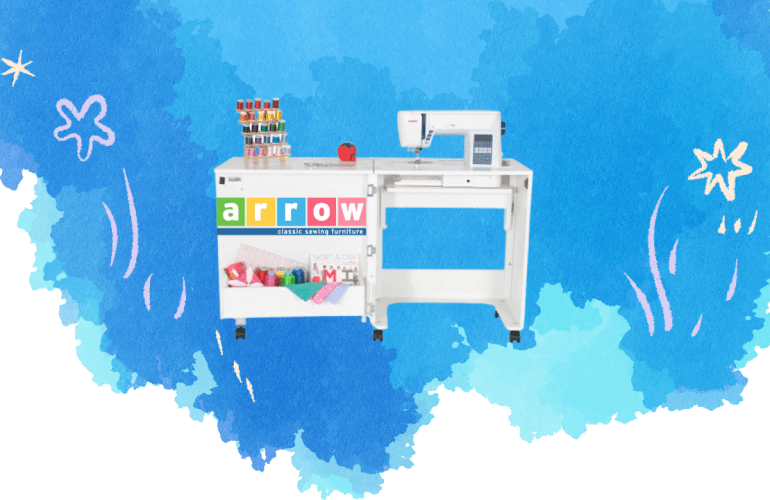
Sewing Cabinet Review: Judy by the Arrow Sewing Company

After a little over a year of using this guy I am sharing with you all my thoughts on the Judy sewing cabinet by Arrow Sewing Company. This has been used in a lot of my embroidery tutorials but is it worth it? First, I want to say that this guy is not cheap, material wise or price.  The model that I have retails for $799.99 on the brands website but on Amazon it is $385.  Mine was from Amazon as it was purchased from my wedding registry by a dear friend of ours. 

How to: Fix Self Threader on Embroidery Machine

While posting videos about my embroidery machine a couple of people have asked how to fix the self thread feature. At the time I did not know how to help as I had never experienced an issue with the self threader on my embroidery machine. Fast forward a couple of months, now the self threader on my machine stopped working. Sometimes it would work and sometimes it wouldn’t. Once the self threader stopped working consistently, I decided to try to diagnose what was wrong. 

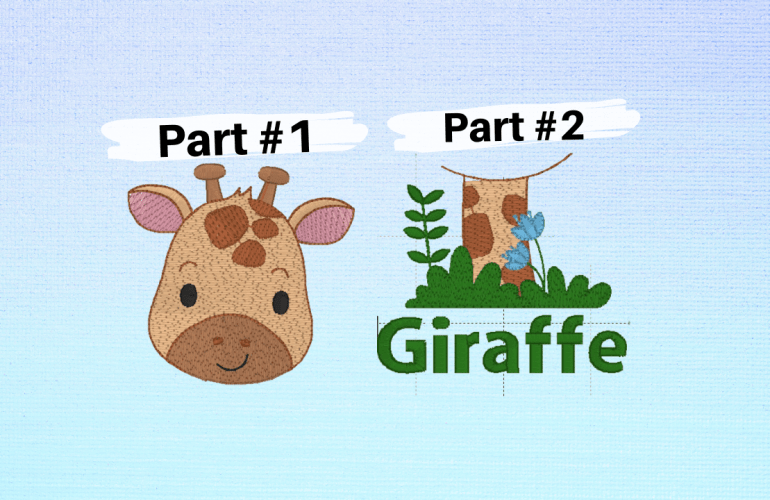
Picture Embroidery | Multi-Position Hooping

While it is possible to do multi-position hooping manually with free software, when it comes to picture files it is not. Being able to split up graphics in embroidery is a game changer. For instance, some creators simply do not design 4X4 hoop designs, so being able to use a 5X7 design opens up new file options. Also, some files that say they are 4” but are too large for an actually 4X4 hoop can be used with multi-hooping.

Larger than Hoop Embroidery | Multi- Hooping Free

While it may seem like you need a larger hoop to accomplish certain creative projects try this multi hooping hack first. This is a free solution when you want to escape the boundaries of your machine’s hoop size. The machine I use is the Brother PE550d which has a 4X4 hoop, so trust me I know the struggle. 

How to Change a Bobbin Mid-Project | Brother PE 550d

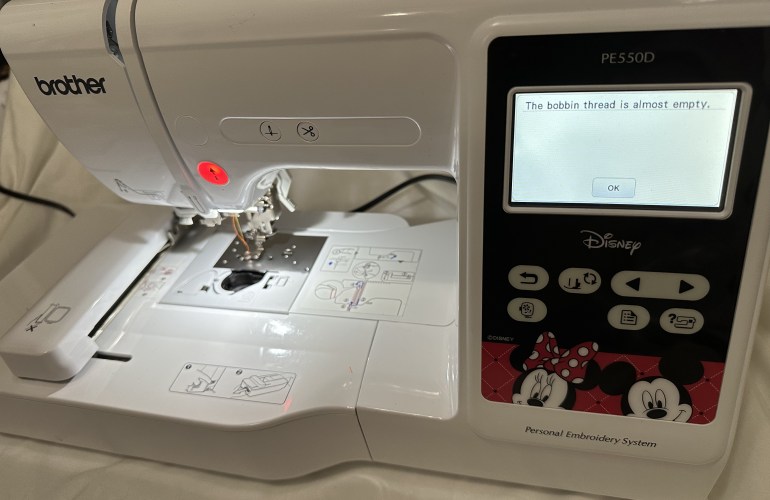
Since an embroidery machine uses hundreds to thousands of stitches per project it is only a matter of time before you experience the dreaded bobbin change alert mid-project. While this may seem like a headache, the machine makes it really easy to accomplish a seamless look even when this occurs. The machine will pause itself and alert the user that the bobbin thread is almost empty. At this point there are two options, to ignore or listen to the warning.