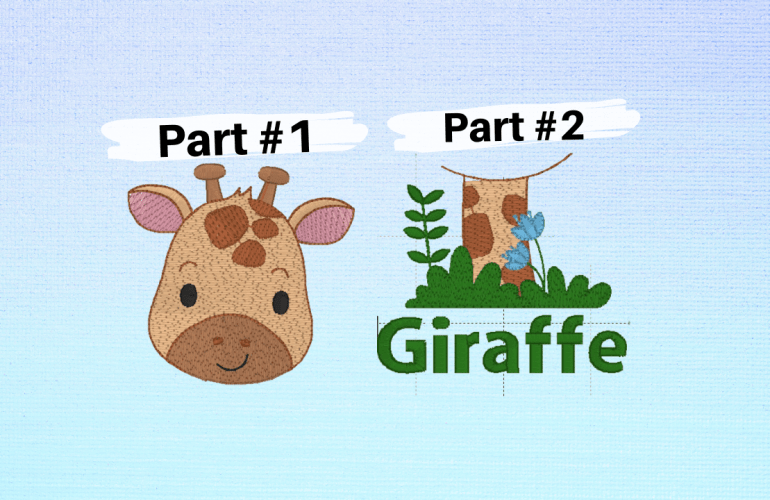
While it is possible to do multi-position hooping manually with free software, when it comes to picture files it is not. Being able to split up graphics in embroidery is a game changer. For instance, some creators simply do not design 4X4 hoop designs, so being able to use a 5X7 design opens up new file options. Also, some files that say they are 4” but are too large for an actually 4X4 hoop can be used with multi-hooping.
The overall process is the same as it is for the text files. In the video below I used a 5X7 design and it worked out amazingly. Instead of adding multiple designs manually, you can also add text to the design itself. For this project I added the word Giraffe. Embrilliance Essentials has many more advantages than just multi-hooping but is it one of the main focal points to dive into it.
Also in the tutorial I show how to skip the basting stitches on the machine. The main reason to get rid of the basting stitch is if the material you are embroidering on is delicate it will leave noticeable punctures on the fabric. There is also the option to delete the basting stitch altogether as well. Simply reopen each saved split file and click on the black color. Once the box is highlighted, simply press the delete key on your keyboard.

 MaddieAutumn