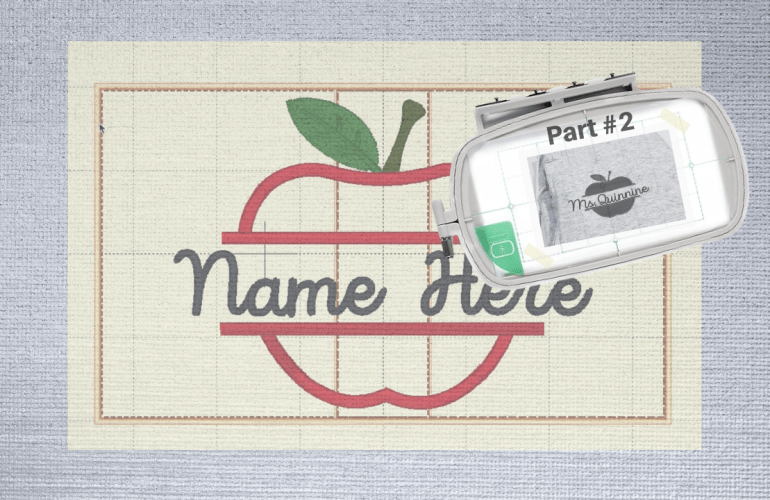
Using a Multi-Position Hoop for an Applique | Part #2

Previously, I went over how to create the file but now it is time to see if it will actually work. I am always curious as to how people embroider. Is everyone stitching out on finished garments or a single piece of fabric? In embroidery advertising I always see them stitch on a single piece of fabric especially for single needle machines. This seems so unrealistic to me unless you are only embroidering on garments you are in the process of sewing. Perhaps it is because embroidering on sweatshirts is a nuisance for everyone, unless you have the ability to use a magnetic hoop. If you are also struggling, I recommend the float method, hooping only the stabilizer, spraying basting spray on the garment and then placing it on top of the hoop. 

Line Up Split Embroidery using Free Software

Creating a larger than hoop project can be frustrating and seem almost impossible at times. I am still using a 4×4 hoop but I’ve learned a few tricks along the way. For those who are not ready to invest in embroidery software, there is still a way to create the same results. I will however, admit that the investment in the software is worth every penny since it saves time and prevents frustrations. 

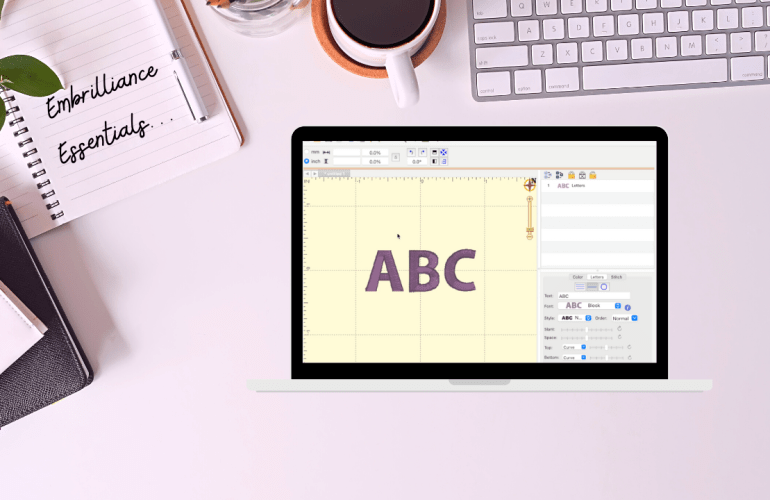
The free software is called Embrilliance Express. The software I am using in the video may look a little different since I have paid for Embrilliance Essentials, but the functions I use in the tutorial are all available in the free version. First, in order to split the word you are embroidering, you will need to split it into multiple files. Part one should have the majority of the letters. Try to use only a couple of letters for part two to allow the machine more room to line up with the first section. 

How to Change the Hoop Size in Embrilliance

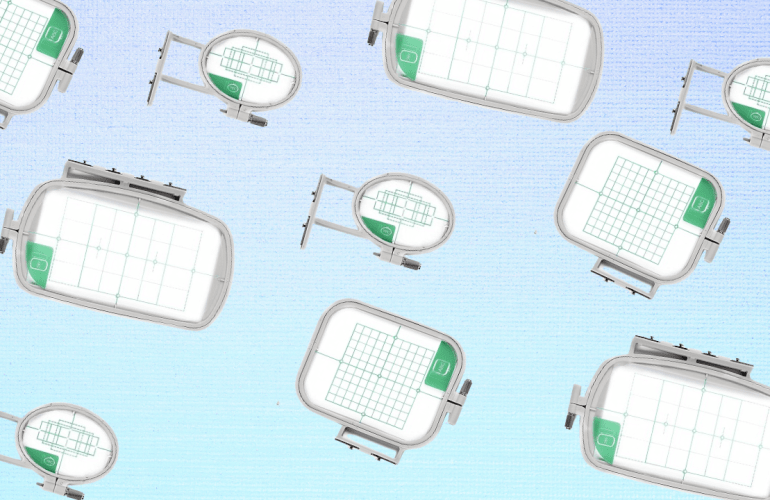
One question I often get asked is how to change the hoop size in Embrilliance. There are a few videos where I have explained how to do this but I wanted to dedicate a video solely to hoop sizes for people to reference. Whether you want to change your hoop to a smaller one or you’re trying to find the multi-hoop function, this video is for you. I have absolutely fallen in love with multi-hoops since it cuts down the amount of re-hooping and eliminates the stress of lining up a design.

Free Embroidery Software + Free Fonts

Learning how to use an embroidery machine is tricky enough so, let’s discuss some basics to make it easier to design with fonts. Softwares for embroidery are pricy but luckily there are some free options. Embrilliance’s free tier is called Essentials which allows you to add and edit fonts together. This means that all the designing is done on the computer rather than on that tiny screen of your machine. The program even allows you to add multiple font styles together to make it one step on the machine. Set a guide for your specific hoop size that will alert you if your design won’t fit. Simply design and then export it onto a USB just as you would with a design file.