
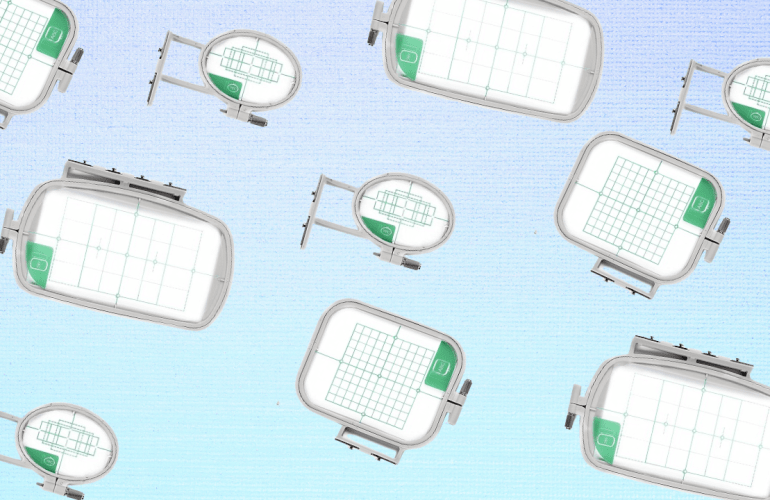
One question I often get asked is how to change the hoop size in Embrilliance. There are a few videos where I have explained how to do this but I wanted to dedicate a video solely to hoop sizes for people to reference. Whether you want to change your hoop to a smaller one or you’re trying to find the multi-hoop function, this video is for you. I have absolutely fallen in love with multi-hoops since it cuts down the amount of re-hooping and eliminates the stress of lining up a design.
Some people have asked if they can use a 5X7 hoop on a 4×4 machine. The short answer is no. Multi-position hoops only allow you to add to the size in one direction. Files are still read at a 4×4 format, however, with the paid version called Embrilliance Essentials, the software will split large files into two to three sections to allow you to create them. Instead of re-hooping and splitting the design yourself the software does it all for you. All you have to do is move the hoop over to the next notches to go to the second half.
Sometimes you’ll need a smaller hoop to do little details like embroidering on sleeves too. I am not a fan of sleeve details but it’s definitely an option. Changing to these types of “specialty” hoops do not require a higher tier of the program, meaning the free version is all you need to switch between these types of hoops. If you would like to know how to do something in Embrilliance or on your embroidery machine let me know. I love to help out my fellow crafters.

 MaddieAutumn