Line Up Split Embroidery using Free Software
Creating a larger than hoop project can be frustrating and seem almost impossible at times. I am still using a 4×4 hoop but I’ve learned a few tricks along the way. For those who are not ready to invest in embroidery software, there is still a way to create the same results. I will however, admit that the investment in the software is worth every penny since it saves time and prevents frustrations. 

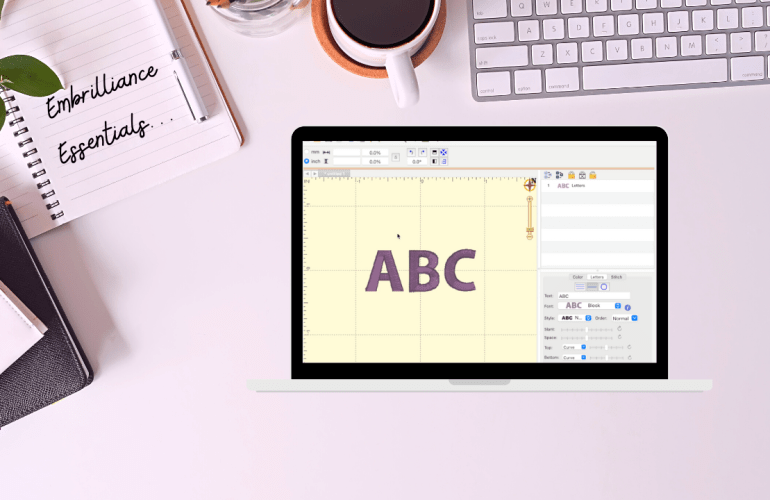
The free software is called Embrilliance Express. The software I am using in the video may look a little different since I have paid for Embrilliance Essentials, but the functions I use in the tutorial are all available in the free version. First, in order to split the word you are embroidering, you will need to split it into multiple files. Part one should have the majority of the letters. Try to use only a couple of letters for part two to allow the machine more room to line up with the first section. 

How to Change the Hoop Size in Embrilliance

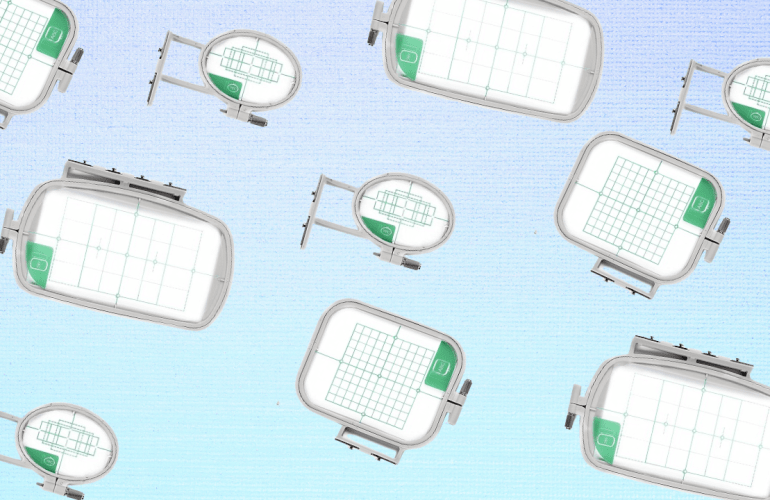
One question I often get asked is how to change the hoop size in Embrilliance. There are a few videos where I have explained how to do this but I wanted to dedicate a video solely to hoop sizes for people to reference. Whether you want to change your hoop to a smaller one or you’re trying to find the multi-hoop function, this video is for you. I have absolutely fallen in love with multi-hoops since it cuts down the amount of re-hooping and eliminates the stress of lining up a design.

Beginner Machine Embroidery Tutorials & Tips

A little over a year ago I unboxed my first embroidery machine and have been sharing my frustrations ever since. Don’t get me wrong, I LOVE my embroidery machine. I am simply stating that now I finally feel that I have somewhat mastered the machine. The first few times I used the machine I was nervous to do basically anything but now it’s more of an after thought / fun to create. 

Embroidery Applique Tips

While I have created an appliqué post before of my first time creating one I thought it was time to share what I have learned thus far to help those who are also learning embroidery. Appliqués can be intimidating so just like any other file the first tip is to test and take notes on the file. Notes can be  for referring to the color numbers used, if there is a trace layer and if there are steps you would prefer to skip to leave out a specific detail of the design. These will make the process run smoothly without ruining finished projects.

Free Embroidery Software + Free Fonts

Learning how to use an embroidery machine is tricky enough so, let’s discuss some basics to make it easier to design with fonts. Softwares for embroidery are pricy but luckily there are some free options. Embrilliance’s free tier is called Essentials which allows you to add and edit fonts together. This means that all the designing is done on the computer rather than on that tiny screen of your machine. The program even allows you to add multiple font styles together to make it one step on the machine. Set a guide for your specific hoop size that will alert you if your design won’t fit. Simply design and then export it onto a USB just as you would with a design file. 

Embroidery Files 101

Prior to purchasing an embroidery machine for the first time I had little knowledge as to how it worked including the file capability side. All I kept reading is that it was a learning curve which is why I have been and will continue to update you all as I learn more about the machine embroidery world. Hopefully you are learning from my mistakes or basking in the humorous side of all my mistakes and frustrations, either way here we go again.