

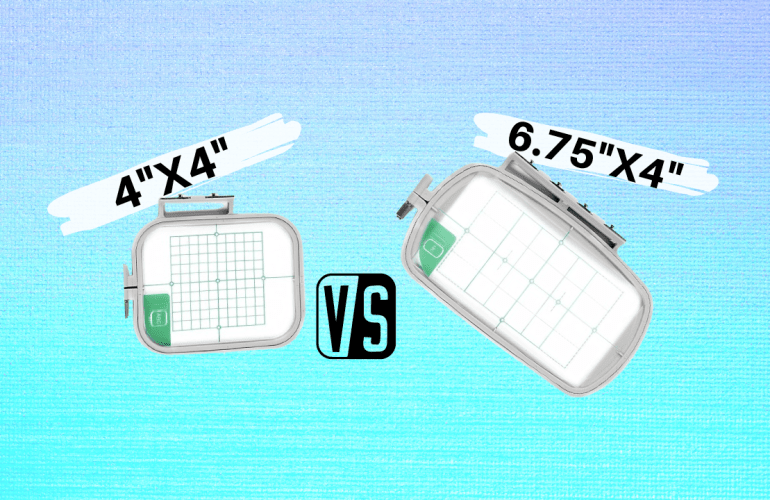
Creating a larger than hoop project can be frustrating and seem almost impossible at times. I am still using a 4×4 hoop but I’ve learned a few tricks along the way. For those who are not ready to invest in embroidery software, there is still a way to create the same results. I will however, admit that the investment in the software is worth every penny since it saves time and prevents frustrations.
The free software is called Embrilliance Express. The software I am using in the video may look a little different since I have paid for Embrilliance Essentials, but the functions I use in the tutorial are all available in the free version. First, in order to split the word you are embroidering, you will need to split it into multiple files. Part one should have the majority of the letters. Try to use only a couple of letters for part two to allow the machine more room to line up with the first section.
Continue reading ➞ Line Up Split Embroidery using Free Software
 MaddieAutumn