Convert a PNG to an SVG & Make an Easy Peel Sticker with the Cricut
How to: Convert a PNG to an SVG

Although SVG files are a bit daunting at first, they do make the designing process easier. The main benefit of using a SVG over a PNG is that you can alter the colors of the image in design space. While several programs and classes are on the market today to learn how to create an SVG file there is also a free resource out there www.pngtosvg.com. No downloading software or paying for classes: this site instantly creates the SVG for you. That being said it is not a perfect program so the image may need to be tweaked like mine in the tutorial below once it is uploaded into design space. 

St. Patricks Day | DIY Stickers


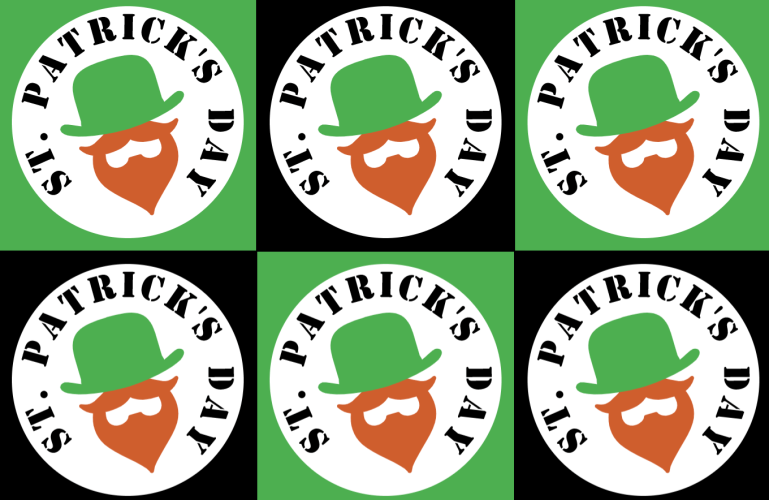
It is a blister day in the neck of these woods, which is fun crafty weather. This specific design is perfect for celebrating St. Patricks Day for kids, adults, and even for the planner addicts, the possibilities are endless. With this tutorial you will learn the skills on how to make a custom sticker for any occasion too. This is a easy beginner project to make with your Cricut so head over to Design Space and follow along with me.

Cricut Stickers | Tutorial & Tips

Before I even received a Cricut machine all I wanted to do was create pretty, unique stickers for my planner. People who say they are too old for stickers I will never quite understand. Anyway, everyone made it look so easy on their tutorials so I thought it would be just as smooth for me. I watched multiple tutorials and thought I was overly prepared to say the least. After spending weeks creating designs for my first stickers the machine showed me who was really in charge. So, you want to make stickers?