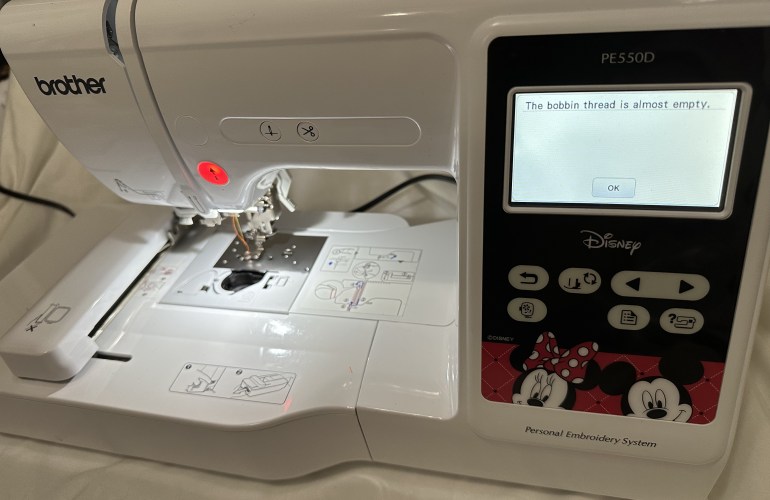
How to Change a Bobbin Mid-Project | Brother PE 550d
Since an embroidery machine uses hundreds to thousands of stitches per project it is only a matter of time before you experience the dreaded bobbin change alert mid-project. While this may seem like a headache, the machine makes it really easy to accomplish a seamless look even when this occurs. The machine will pause itself and alert the user that the bobbin thread is almost empty. At this point there are two options, to ignore or listen to the warning.

Bulk Embroidery Tips & Tricks | Brother PE550d

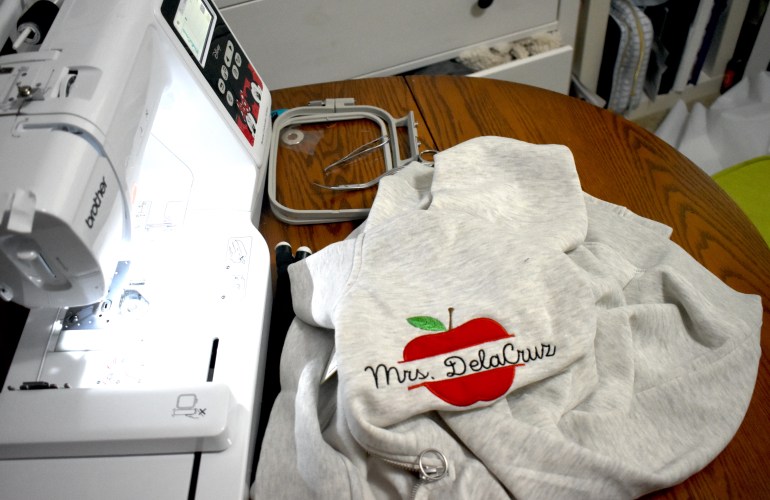
When I first purchased my machine I always hoped to one day fulfill orders, never did I think of doing bulk orders though. While I am still a new seller I have done a few bulk orders and learned a lot along the way on tips and tricks to ease the process. Creating an assembly line or doing one step for all items is usually the first tip that comes to mind when working in bulk. I do not do this with embroidery that is customized with the exception of when I create name designs with the computer software and when Tender Touching, I will do those all at the same time. Working while the machine is also working is a good hack as it is like two people working at once: you can trim jump stitches on one sweater while the next sweater is being stitched out for instance. 

Water Soluble  Embroidery | No Fabric Needed

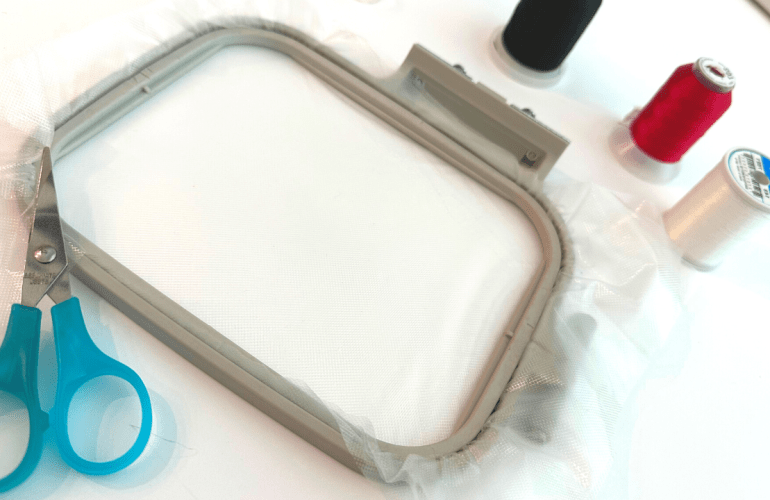
When it comes to embroidery it is assumed that fabric is involved. The mere definition of embroidery is to embellish a cloth. While it may seem possible when thinking in the scope of patch projects they too are usually created on a fabric base. Upon starting my journey with the Brother PE550d machine I noticed that a couple ofthe designs in the guides contained designs that were as “free” designs. In other words the base is water soluble and thus will disappear after it is created.  

Keep Thread from Unraveling | Embroidery Tips

Pulling out a spool of embroidery thread that is not sufficiently stored can create a jumbled up mess. Although there are spools with locking bases most variety packs do not come with them. Specifically with this variety pack I did not want to invest in the larger spools (the ones that lock) as I did not know what colors I would be using the most. Thus, having a locking base is a luxury.

My First Time | Machine Embroidery Patches

When looking at machines one of the things I expected to learn how to sell was patches. That was of course before knowing anything about patches and the process honestly seemed pretty intimidating. Plus there are not many tutorials out there for creating machine embroidery patches. There are the patches that you have the border for and ones that free float. Due to the complexity of a bordered patch I decided it would be more useful to try a free float. What I mean by free float is simply that the patch is made on an alternate material that will be trimmed to size. For this type of patch I used felt since it is a webbed fiber meaning it will not fray when it is cut. Perhaps in the future I will try my hand at creating a bordered patch that is not 100% file form created to test further, but for now I hope you enjoy this first time video and find it helpful for your own projects.

Embroidery Machine Bobbin Tension | PE550D

Yet another thing I wish I knew prior to starting embroidery is that ability to adjust the machine’s tension. Embroidery machines have two different tensions to set and each one will vary from machine to machine. For instance, just because I have my tensions set to a certain number does not mean it will have the same effect for another machine. My biggest piece of advice when it comes to adjusting the tension is to take a deep breath, grab a relaxing tea or cocoa, take out a notebook and realize that it will take awhile. 

Beginner Machine Embroidery Tutorials & Tips

A little over a year ago I unboxed my first embroidery machine and have been sharing my frustrations ever since. Don’t get me wrong, I LOVE my embroidery machine. I am simply stating that now I finally feel that I have somewhat mastered the machine. The first few times I used the machine I was nervous to do basically anything but now it’s more of an after thought / fun to create. 

Embroidery Applique Tips

While I have created an appliqué post before of my first time creating one I thought it was time to share what I have learned thus far to help those who are also learning embroidery. Appliqués can be intimidating so just like any other file the first tip is to test and take notes on the file. Notes can be  for referring to the color numbers used, if there is a trace layer and if there are steps you would prefer to skip to leave out a specific detail of the design. These will make the process run smoothly without ruining finished projects.

Etsy Shop Revamp | Behind the Scenes

Although I have not officially classified launches for Custom Little Beasties when the shop first opened this is the first revamp of the shop which sort of classifies it as the second launch. The shop has come along way and I have learned a lot along the way. How to make things more efficient as well as experimenting with new ideas. 

Free Embroidery Software + Free Fonts

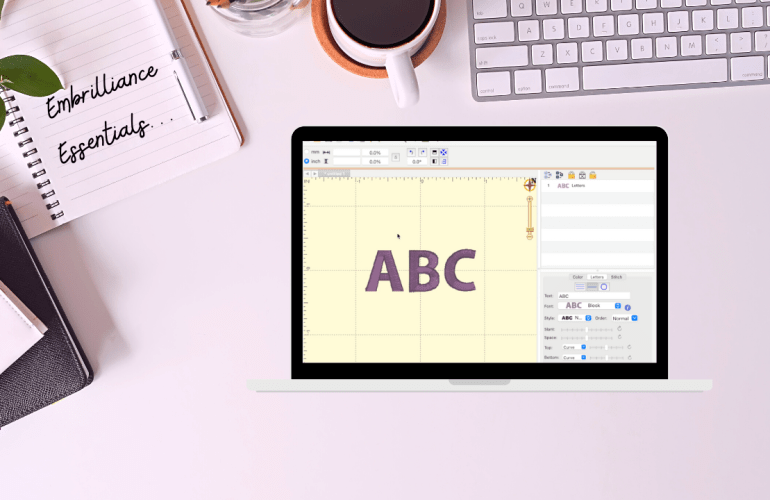
Learning how to use an embroidery machine is tricky enough so, let’s discuss some basics to make it easier to design with fonts. Softwares for embroidery are pricy but luckily there are some free options. Embrilliance’s free tier is called Essentials which allows you to add and edit fonts together. This means that all the designing is done on the computer rather than on that tiny screen of your machine. The program even allows you to add multiple font styles together to make it one step on the machine. Set a guide for your specific hoop size that will alert you if your design won’t fit. Simply design and then export it onto a USB just as you would with a design file.